Authentication
In order to get started building with the InfoSum APIs you first need to generate an API key via the Platform UI.
note
You must set the value for authorization header to your API key for all API requests to /api/ paths.
Head to the API keys page in your InfoSum Account. It appears in the sidebar navigation under Access → API keys.
If you have previously generated keys you will see them listed here. If not you will see the following screen:
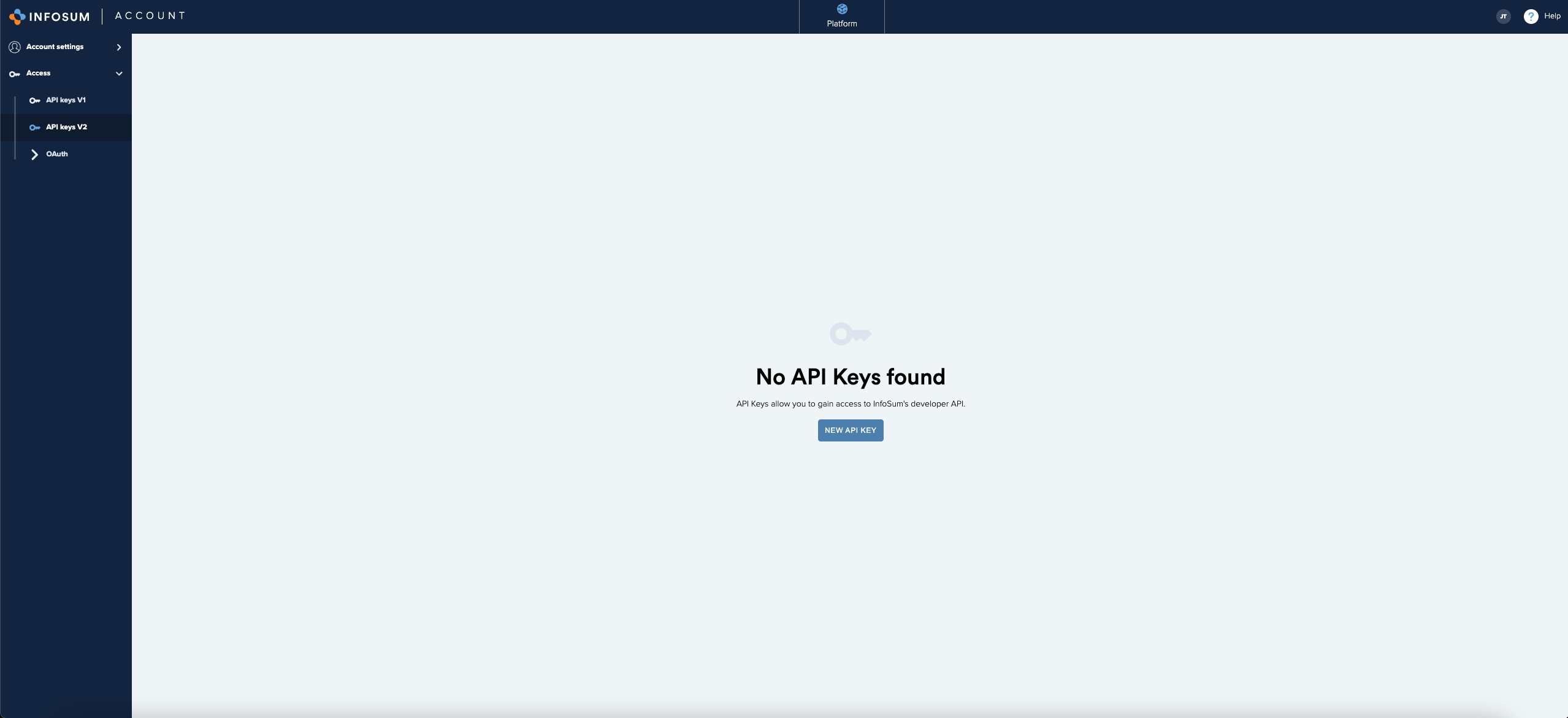
Select NEW API KEY and you will be given a date selector for the expiry date for the new API key:
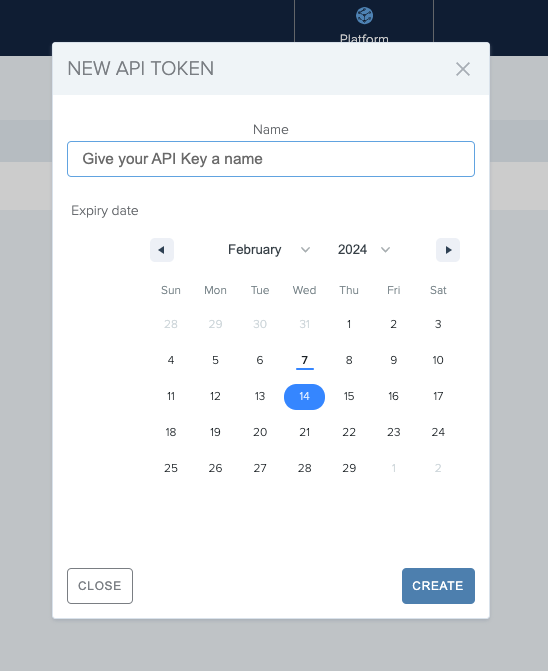
On submitting the expiry time you will be given your API Key:
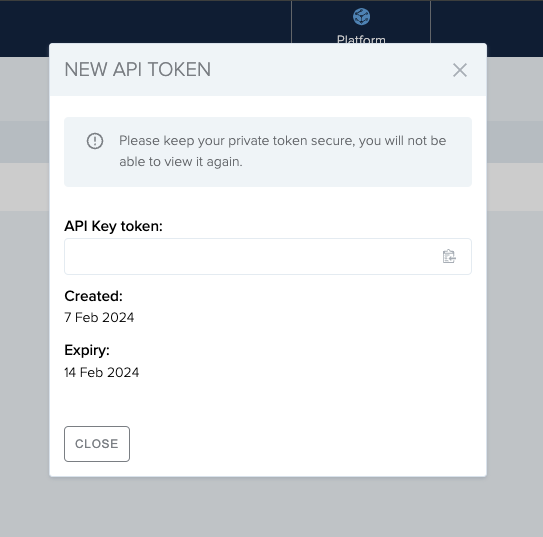
Please store your API Key safely for later use. After you close this pop-up, you will not be able to view the key again.